Scalable Office Workstations for Growing TeamsScalable Office Workstations for Growing Teams
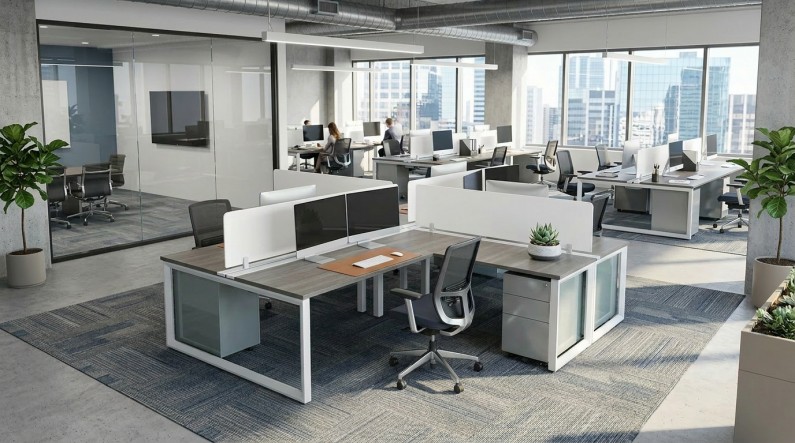
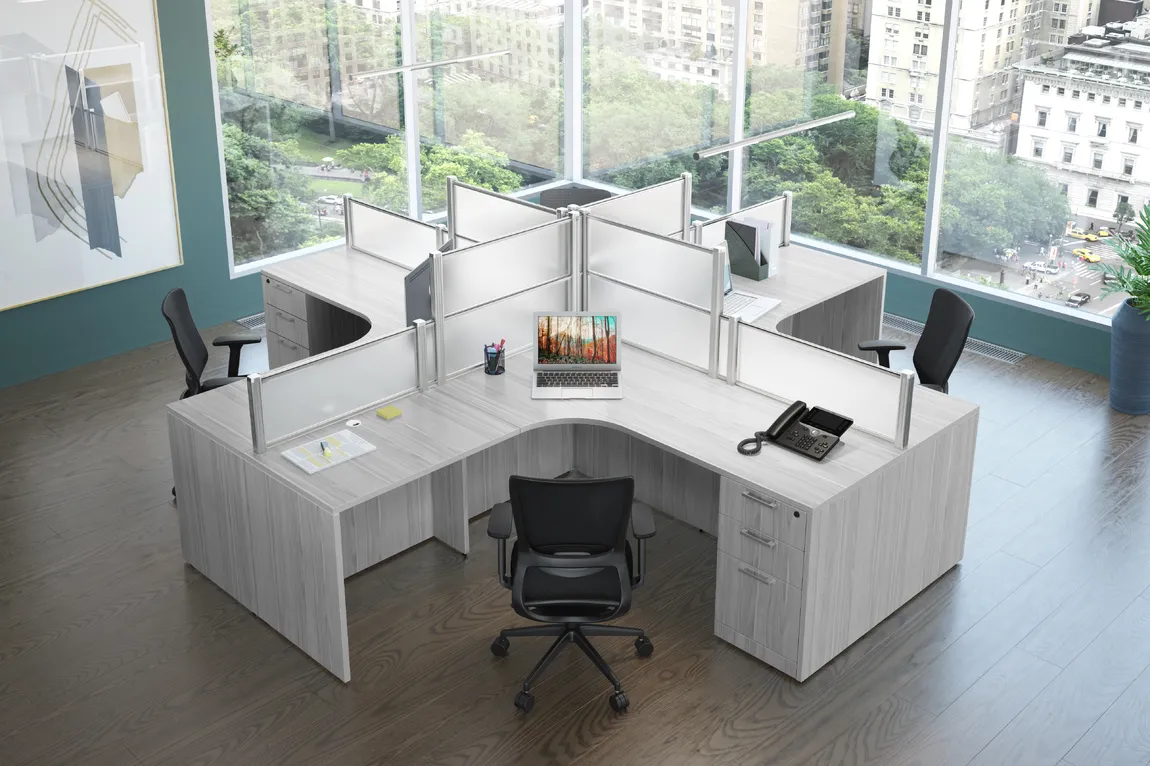
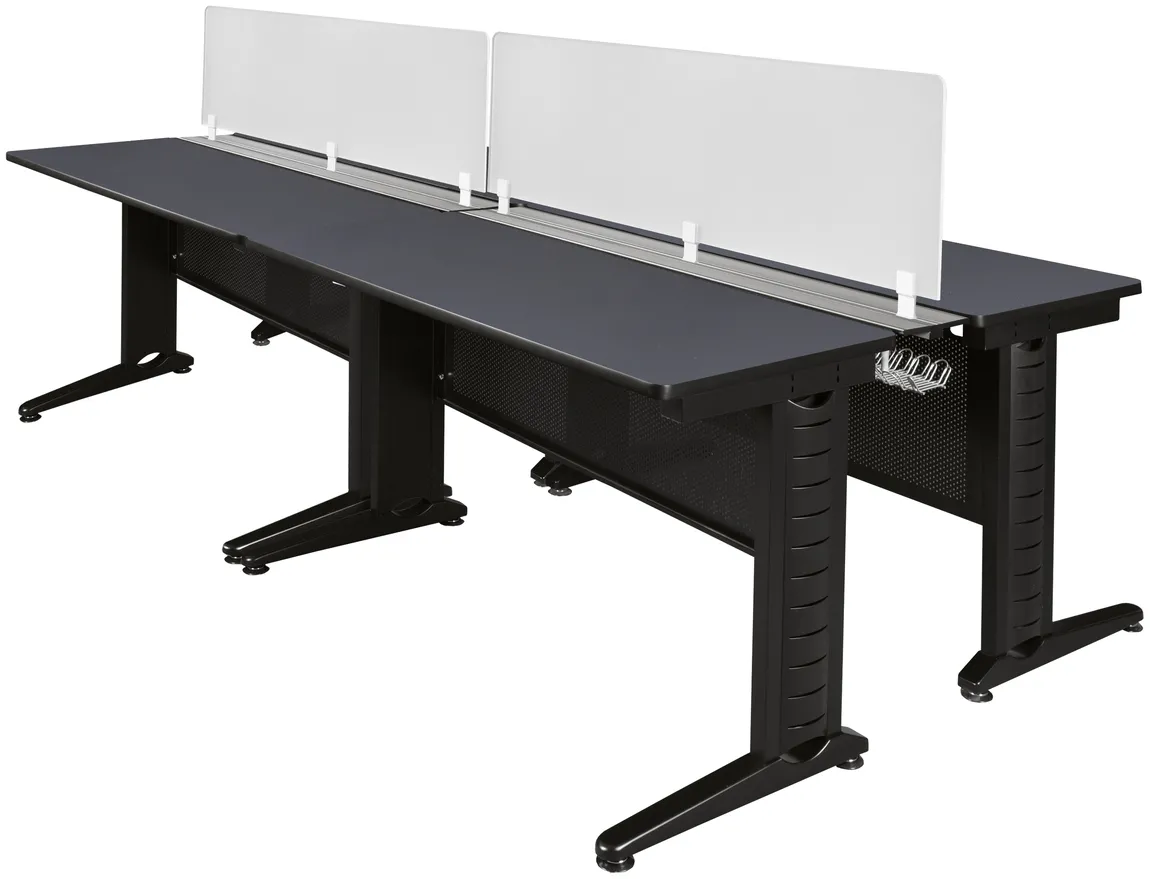
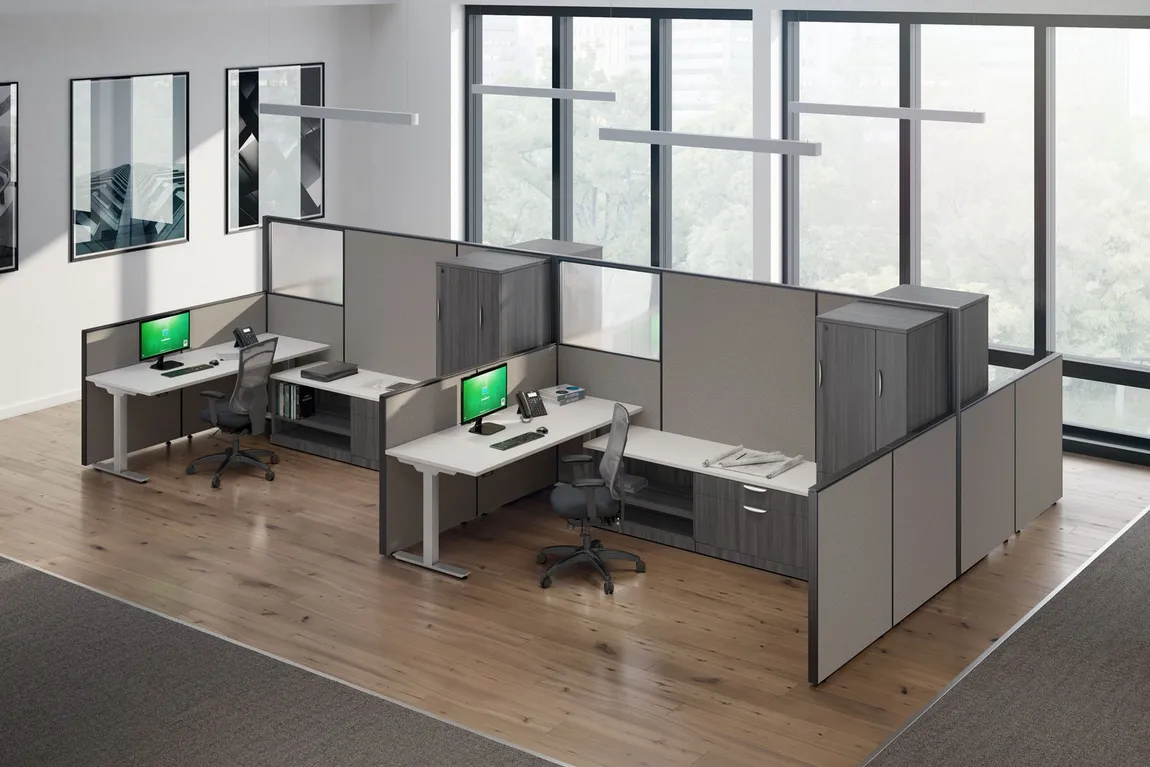
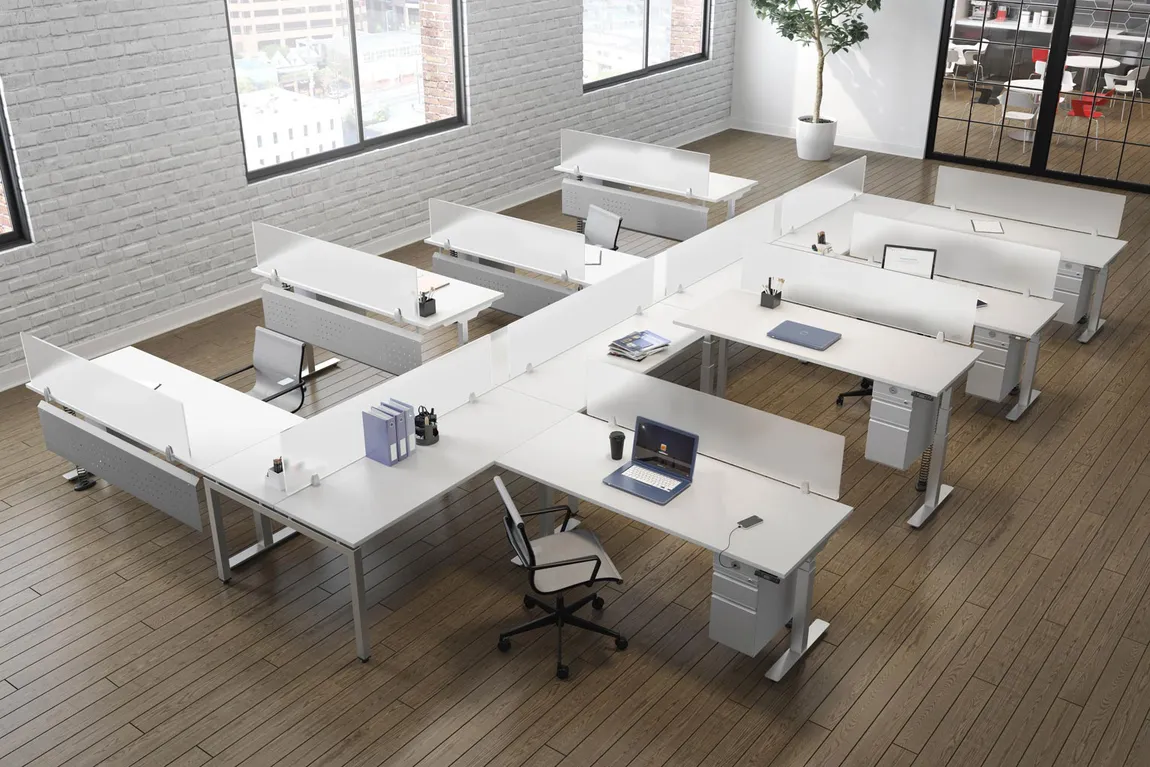
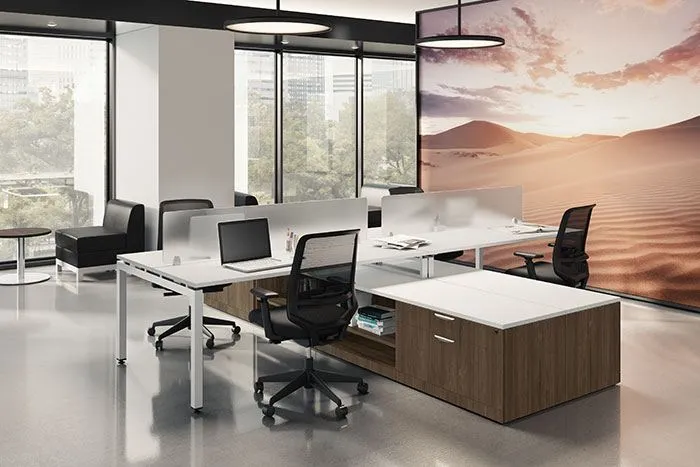
The perfect office layout for a team today can quickly become inefficient as that team grows. What works for a small group often doesn’t scale, especially when additional employees are added without a long-term workspace plan. As new team members are brought in, existing work areas are often adjusted to make room. Over time, this can lead to overcrowding, inconsistent workstation setups, and disruptions to daily workflow. Instead of supporting productivity, the workspace begins to create friction. Without a plan for scalability, businesses may find themselves repeatedly modifying their office setup rather than building a system designed to grow with them. These ongoing adjustments can result in wasted space, mismatched furniture, and unnecessary reconfiguration costs. Scalable office workstations provide a more structured approach to managing growth. By using modular desk systems, benching options, and multi-person workstation configurations, offices can expand more efficiently while maintaining organization and consistency. Planning for scalability from the start allows teams to adapt to changing needs without constantly replacing furniture or redesigning the workspace. This approach helps create a workspace that can grow alongside the business rather than falling behind it. Why Scalability Matters in Office WorkstationsBusiness growth often brings new challenges to the workspace. As teams expand, office layouts that once worked efficiently can begin to create friction. Adding more employees without a clear plan can lead to overcrowding, inconsistent workstation setups, and disruptions to daily workflow. Without scalable systems in place, offices may need to repeatedly adjust their workspace instead of building a structure that supports long-term growth. Scalable office workstations provide a more stable foundation for expansion. Modular systems and adaptable layouts make it possible to add or reconfigure workstations as needed while maintaining consistency across the office. This approach helps reduce the need for frequent redesigns and minimizes long-term costs, while allowing businesses to grow without sacrificing organization or efficiency. Types of Workstation Setups for TeamsDifferent workstation setups are designed to support varying team structures, workflows, and office designs. While the term “workstations” can apply broadly, the way those workstations are arranged has a direct impact on how teams collaborate, how space is used, and how easily the office can scale over time. Grouped Workstation Layouts Grouped workstation desks organize individual desks into defined pods, typically seating four to six employees within a shared area. These setups are often used in team-based environments where communication and collaboration are part of the daily workflow. By clustering workstations together, teams can stay connected while still maintaining their own dedicated workspaces. This layout works well for departments that operate closely, such as sales or project teams. It also allows for incremental expansion, as additional groups can be added without disrupting the overall office structure. This makes grouped workstation layouts a practical option for offices planning steady, predictable growth. However, spacing and layout planning become increasingly important as more groups are added. Without proper spacing between pods, offices can quickly feel crowded, reducing both comfort and efficiency. Maintaining clear walkways and defined team zones helps ensure the layout continues to function effectively as the team expands. Open Workstation Systems Open workstation systems, often referred to as benching systems, use shared desk surfaces to create a space-efficient layout for multiple employees. These setups typically arrange workstations in rows or back-to-back configurations, allowing teams to maximize seating capacity within a given footprint while maintaining a clean, uniform workspace. Because these systems are modular, they can be expanded or reconfigured as team sizes change. This makes them particularly effective for growing teams that need flexibility without constantly redesigning the workspace. Their streamlined design also supports consistent layouts across larger office areas. At the same time, open systems require thoughtful organization to remain effective. Shared surfaces can lead to clutter if cable management and personal workspace boundaries are not clearly defined. Planning for these factors early helps maintain a clean and functional environment as more workstations are added. Open workstation systems are especially effective in environments where collaboration and space efficiency are priorities. Teams that rely on frequent communication, such as sales or support departments, benefit from the accessibility these layouts provide. However, they are best suited for organizations that can balance openness with structure, ensuring that productivity is maintained as team size increases. Cubicle Workstations Cubicle workstations provide defined work areas with built-in panels that offer a higher level of privacy and separation. This system is often used in offices where focus and individual productivity are priorities, or where noise control is important. Cubicles create clear boundaries between workstations, helping reduce distractions and maintain structured work environments. Although cubicles are more structured than open layouts, modern systems are often modular and can still support scalability. Panels, desks, and storage components can be rearranged or expanded as needed, allowing offices to adjust setups over time without replacing entire systems. However, cubicle systems require careful planning to avoid creating rigid or inefficient spaces. Panel height, workstation size, and overall layout design all impact how adaptable the system will be as teams grow. When configured properly, cubicles can balance privacy and scalability without limiting future flexibility. Modular Systems and Expansion Flexibility Modular workstation systems are designed to adapt as office needs change. Many cubicle-based setups use modular components that can be rearranged or expanded without requiring a complete redesign. This allows businesses to adjust layouts as teams expand, rather than replacing entire sections of furniture. However, long-term scalability depends on product availability, making it important to work with manufacturers that maintain consistent product lines over time. Modern open office workstation systems follow the same modular approach while supporting more flexible workstation layouts. These systems make it possible to add seating, reconfigure workstations, or expand existing setups without disrupting the overall design. By allowing offices to grow incrementally, modular systems help reduce long-term costs and eliminate the need for repeated layout changes as teams evolve. This approach allows businesses to plan growth in stages rather than reacting to space limitations after they occur. When selecting modular workstation systems, it is also important to consider how the office may evolve over time. Planning for future team growth, departmental changes, or layout adjustments helps ensure that the system remains functional beyond the initial setup. Choosing configurations that allow for easy expansion without disrupting existing work areas can significantly reduce the need for costly redesigns as the business continues to grow. Planning for Team GrowthPlanning for team growth requires more than simply adding additional desks when space runs out. Without a forward-looking layout, offices can quickly become overcrowded or disorganized as new employees are brought in. Taking the time to anticipate how a team may expand allows businesses to create a workspace that supports both current operations and future needs without constant reconfiguration. A well-planned workspace considers factors such as available floor space, circulation paths, and how teams interact throughout the day. Leaving room for expansion—whether through additional workstation rows or reconfigurable layouts—helps avoid the need for major changes later. By combining scalable workstation systems with thoughtful space planning, businesses can adapt to growth while maintaining a consistent and efficient workspace. Choosing the Right Setup for Your Office Choosing the right workstation setup depends on how a team operates on a daily basis. Factors such as team size, collaboration needs, and available office space all influence which layout will be most effective. Some environments benefit from open, high-density workstation systems, while others require more defined spaces that support focused work and privacy. Balancing collaboration with functionality is key. Open workstation systems can maximize space and encourage communication, while grouped layouts and cubicle systems offer more structure depending on the needs of the team. Selecting a workstation setup that aligns with both current operations and future growth helps ensure that the workspace remains effective as the organization evolves. Scalable office workstations allow businesses to support growth without repeatedly reworking their workspace. By focusing on adaptable systems and thoughtful planning, offices can expand efficiently while maintaining organization and consistency over time. For teams preparing to grow or reconfigure their workspace, reviewing available workstation configurations can help identify a setup that aligns with both current needs and long-term expansion goals.
More From This Author |